Help and guides
Small pixels.
A good place to start.
Learn to draw your first sprite, bring it to life and get it ready to share. Short, practical pixel art tutorials for Tiny Pixel Editor.
Create your first spriteFree to use. No account needed. Your artwork stays on your device.
Learn by making
Start at the beginning or go straight to the task you need.
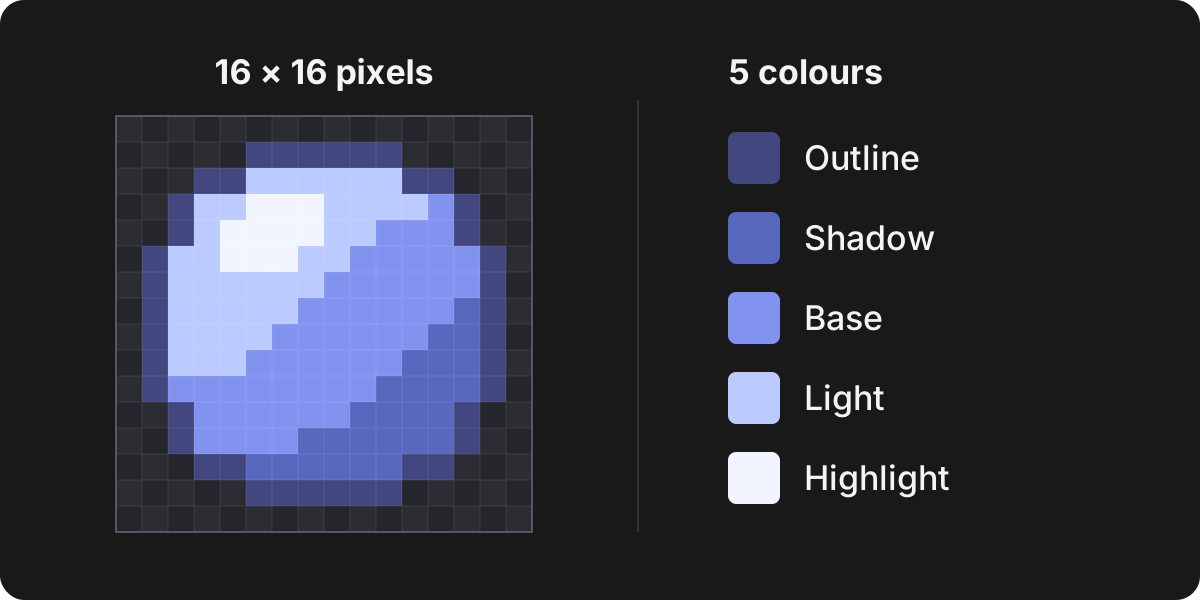
How to make your first pixel art
Make a small shaded orb in Tiny Pixel Editor. Learn canvas size, the Pencil tool, a simple colour palette and how to save your first sprite.
Read the guide 02Make it move · 5 min readHow to animate pixel art with frames
Create a simple two-frame pixel art bounce. Learn independent frames, onion skin, frame duration and exporting an animated GIF or APNG.
Read the guide 03Prepare game assets · 5 min readHow to export a pixel art sprite sheet
Export animation frames as a PNG sprite sheet with matching JSON metadata. Choose a grid or strip, keep the right scale and understand packed sheets.
Read the guide 04Keep your work · 5 min readHow to save pixel art and export images
Understand .pxl project files, PNG and animated exports, browser autosave and transparent backgrounds. Keep an editable copy of your pixel art.
Read the guideA little help
Looking for something specific?
The editor also has a keyboard shortcut reference in the Help menu.